L.O.2
First Example
Goal:
Efficiently Use GIT

Why: What problems are the users facing when interacting with the portfolio?
How? Quantitative data: I made a GitLab repository to archive different versions of my portfolio. I made sure that all the versions of my portfolio were saved and easy to access. I also made one for working with my teammate on our development project.
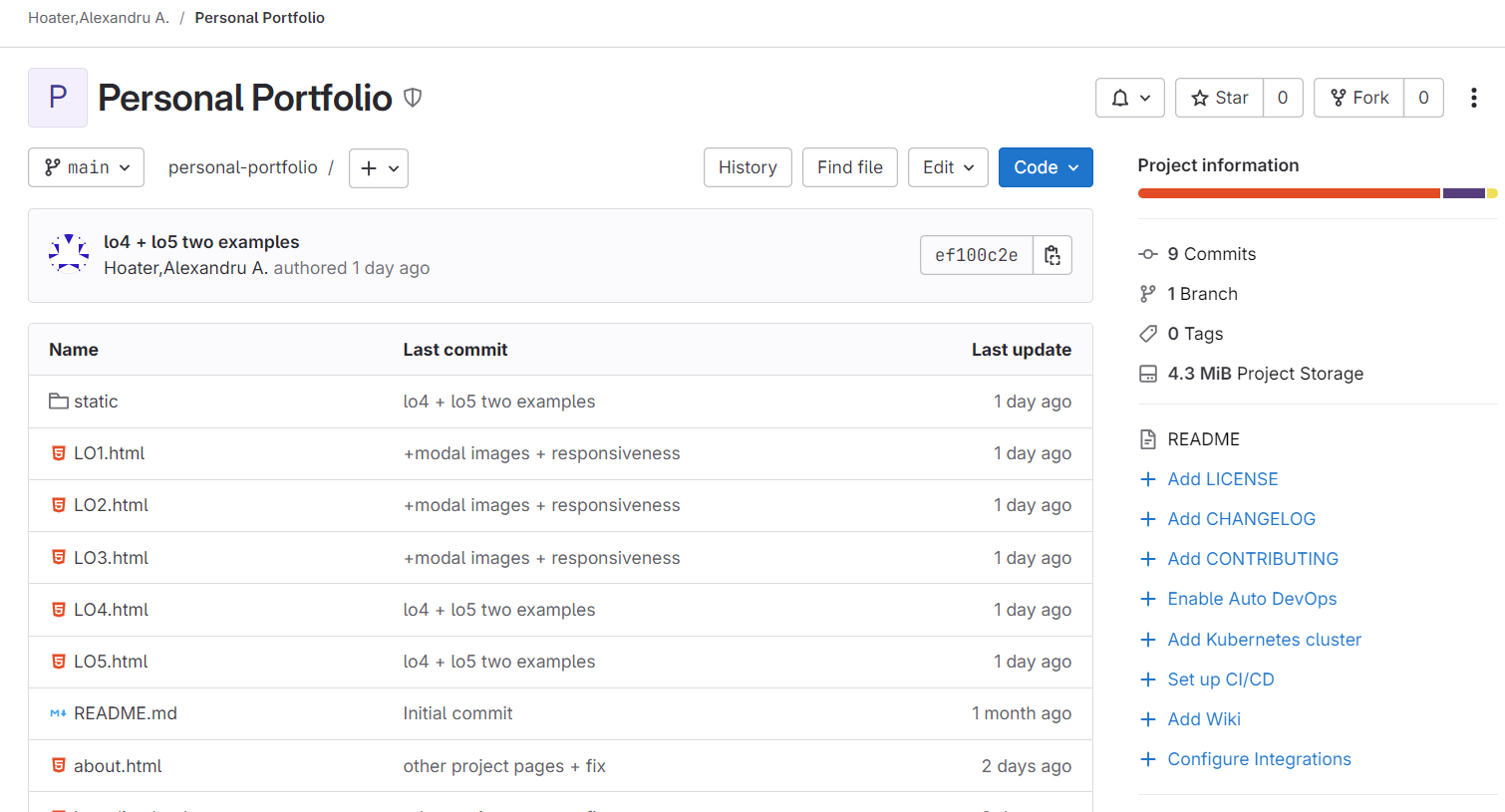

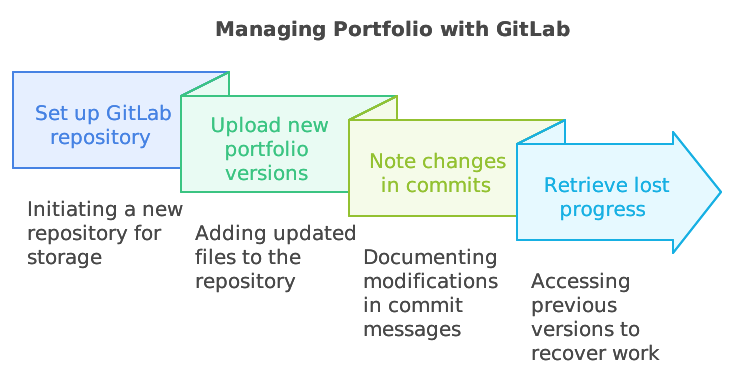
I set up a GitLab repository to act as the main storage for my portfolio. I uploaded the new versions of the portfolio and noted changes in the commits. When my laptop broke due to an accident, I then turned to the repository to retrieve part of my lost progress on the project.I also went on to use Gitlab in the development project, as it was essential in working remote with my colleague and keeping track of the progress.
Reflection
Using GitLab taught me the importance of version control and regular backups of every project. The experience demonstrated how technology can prevent an accident from happening, like perfume going inside a laptop. Likewise, it also made me determined to keep my IT professional.
L.O.2
Second Example
Goal:
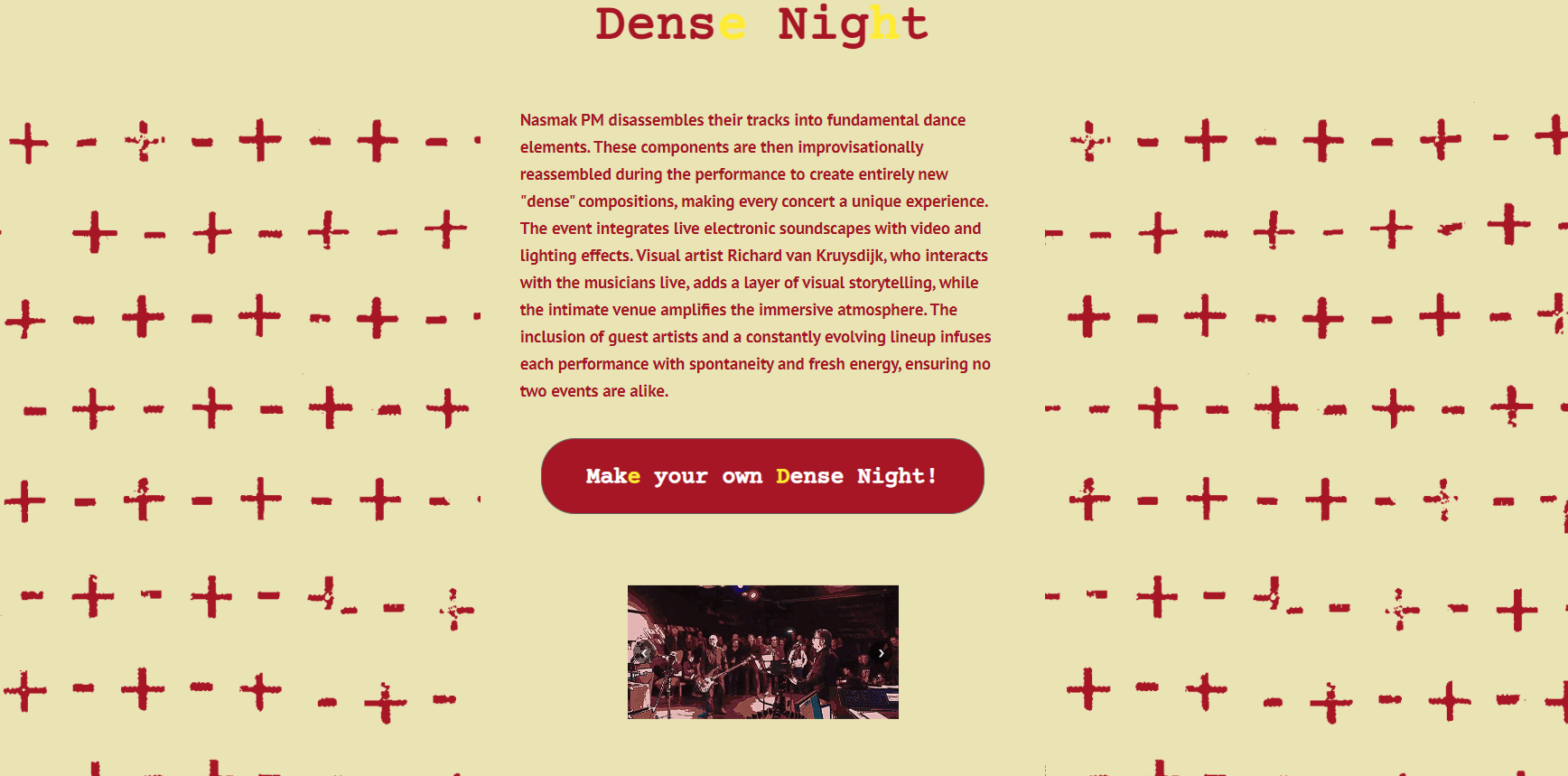
Create NasmakPM Website Dense Night
Why: How can I efficiently develop a website fit to the client’s vision?
How: CMD Methodology: Usability testing, Heuristic Evaluation.
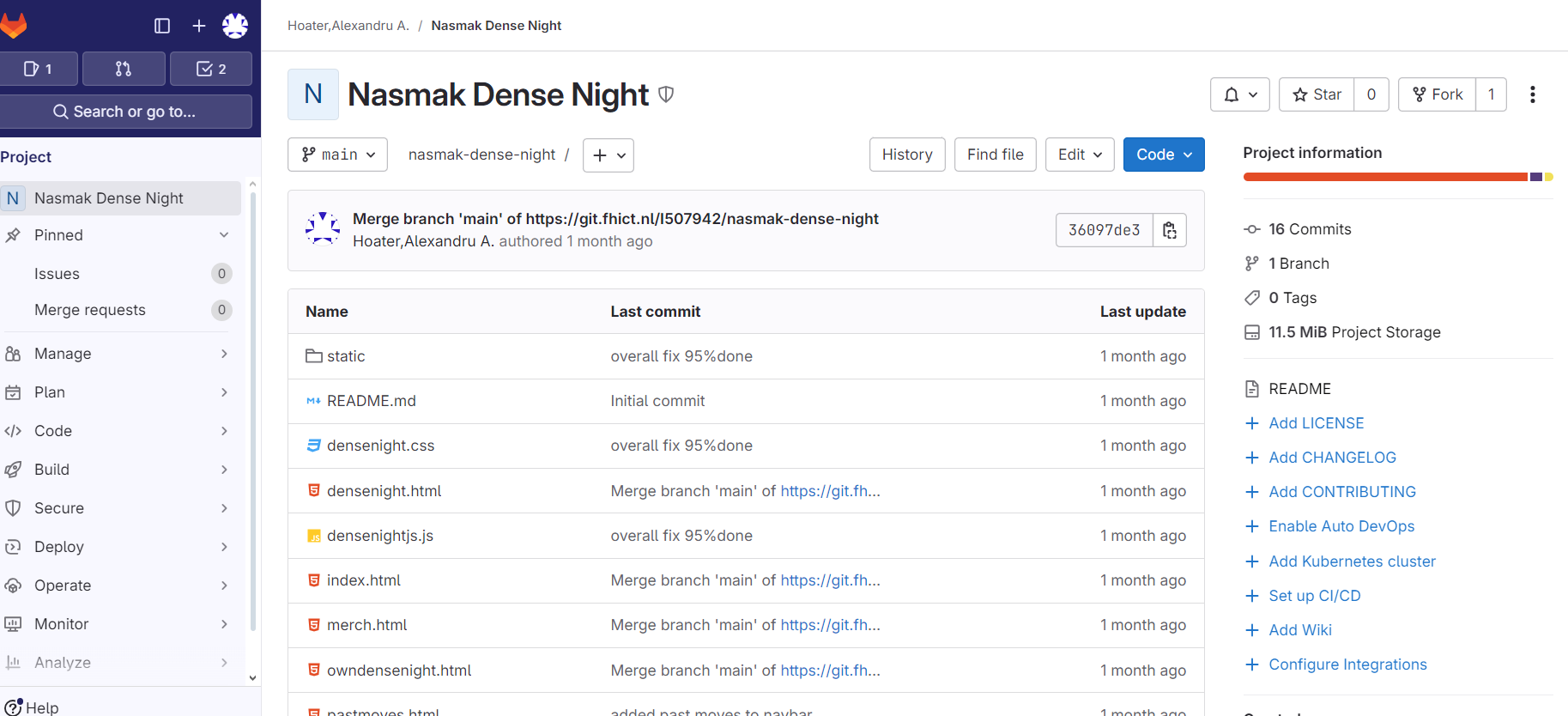
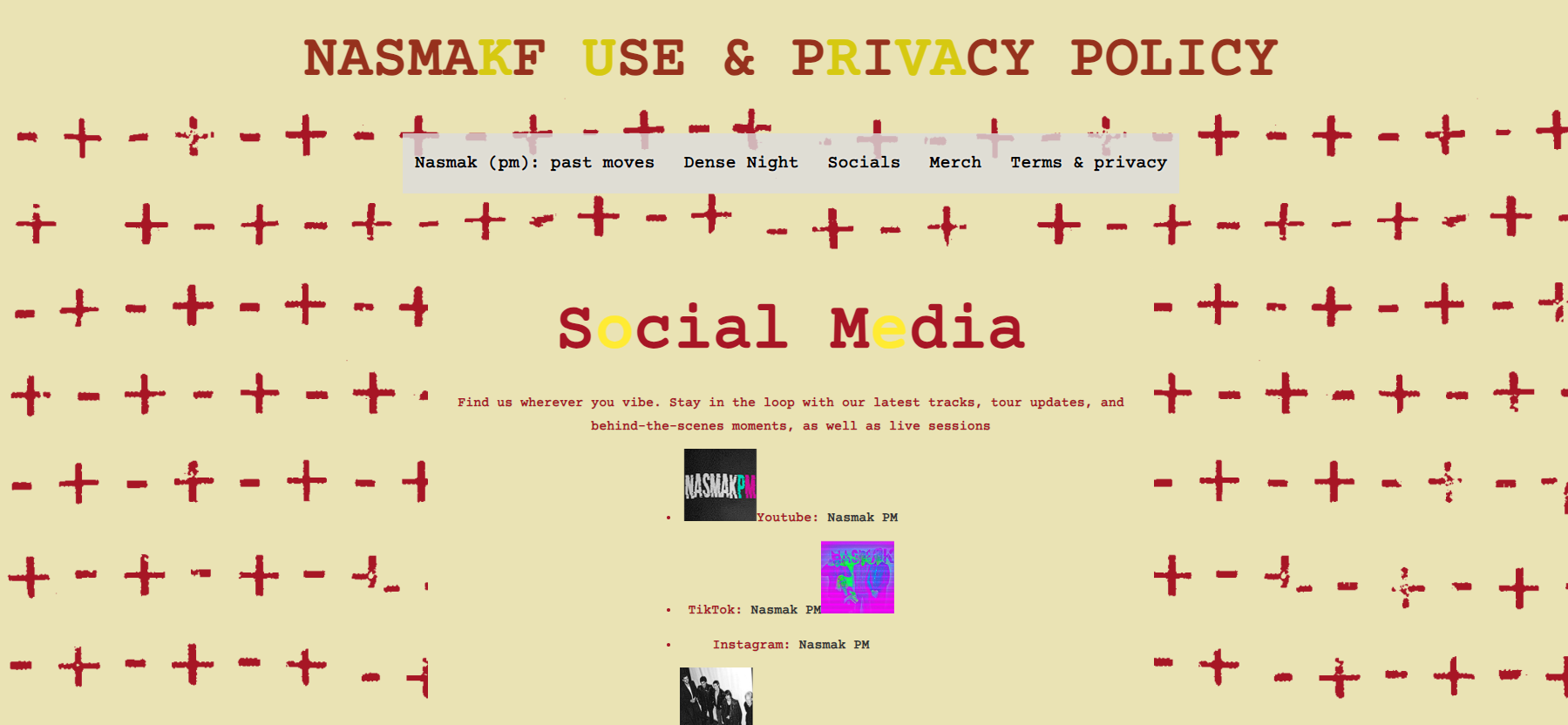
Qualitative/Quantitative: Developed website off of user tested prototype using git to keep track of progress with my colleague, as well as create a gimmick for the website, having animated movements such as sliders and a moving title, and consisting of a page detailed regarding the Dense Night concept. As an extra, we integrated our solution to the website itself, thus keeping the familiarity the existing audience has, but also staying true to the client’s vision of them liking their website so they wanted only pages for the Dense Night Concept. We then user tested the design to get a better understanding of the problems the design was facing, to then fix and send to the client.
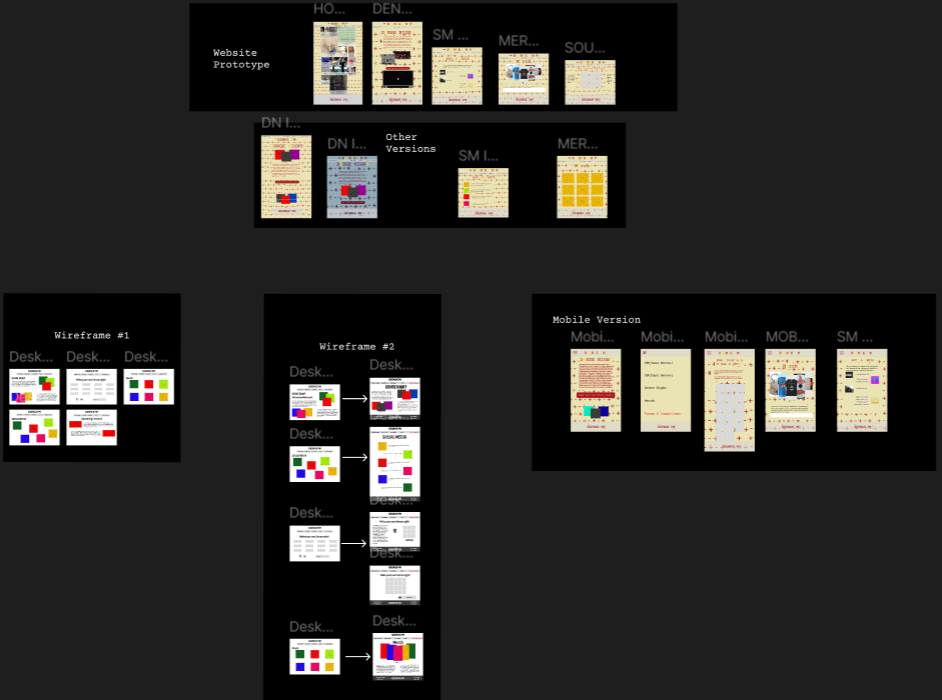
I first did a summative user test in which the users were the target audience having as task to navigate the website in the scenario of them wanting to find out more about the band.
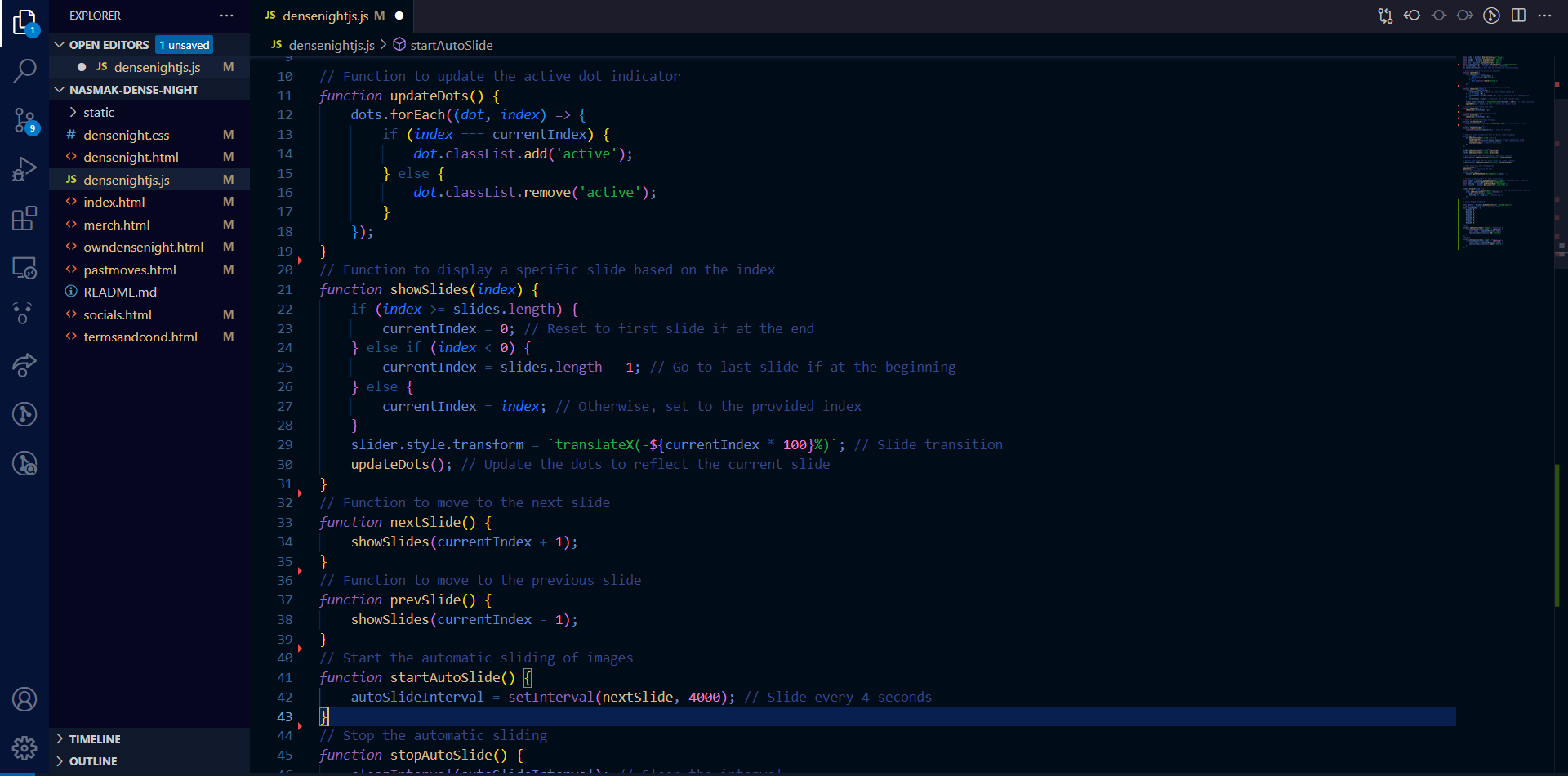
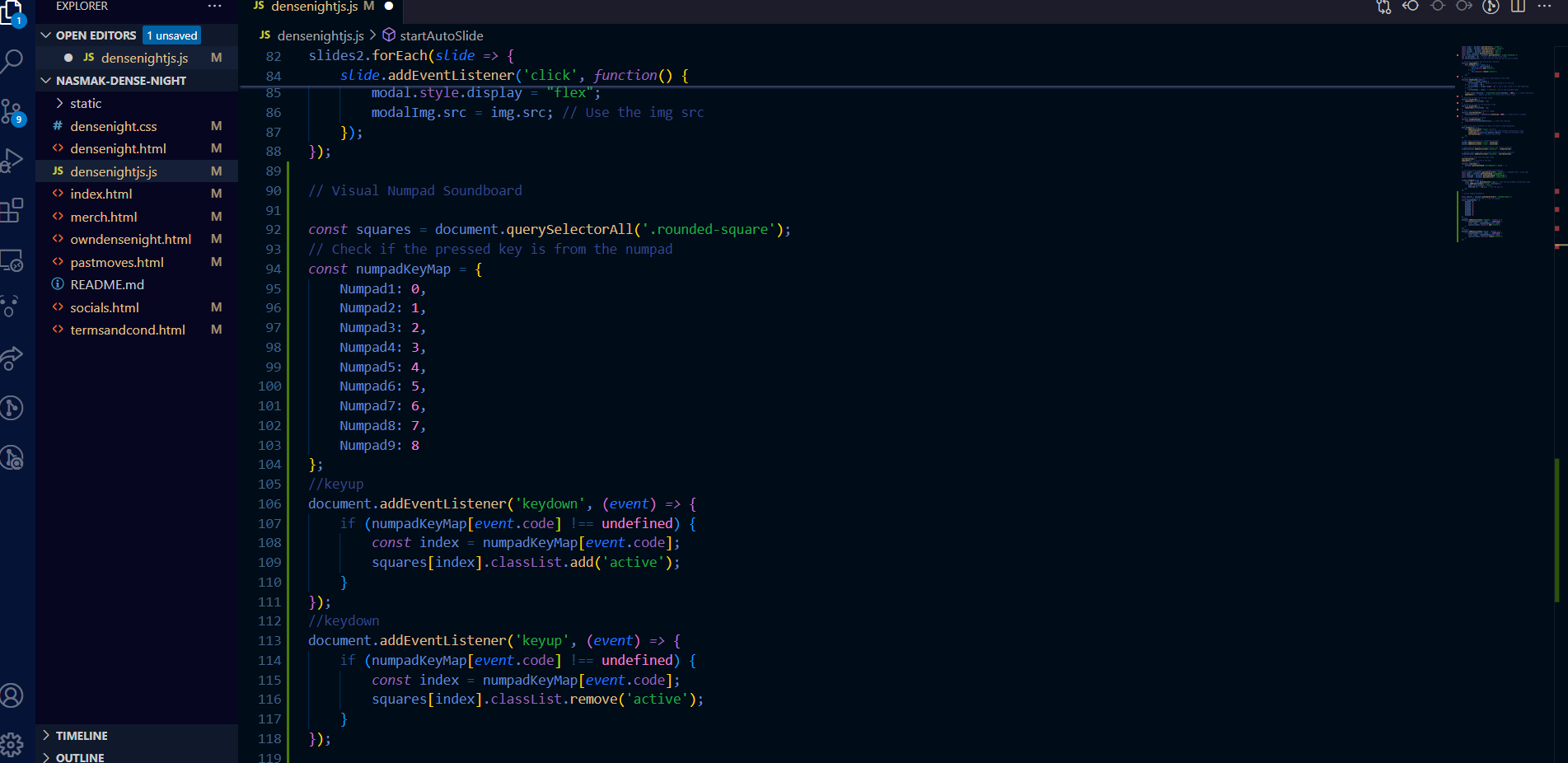
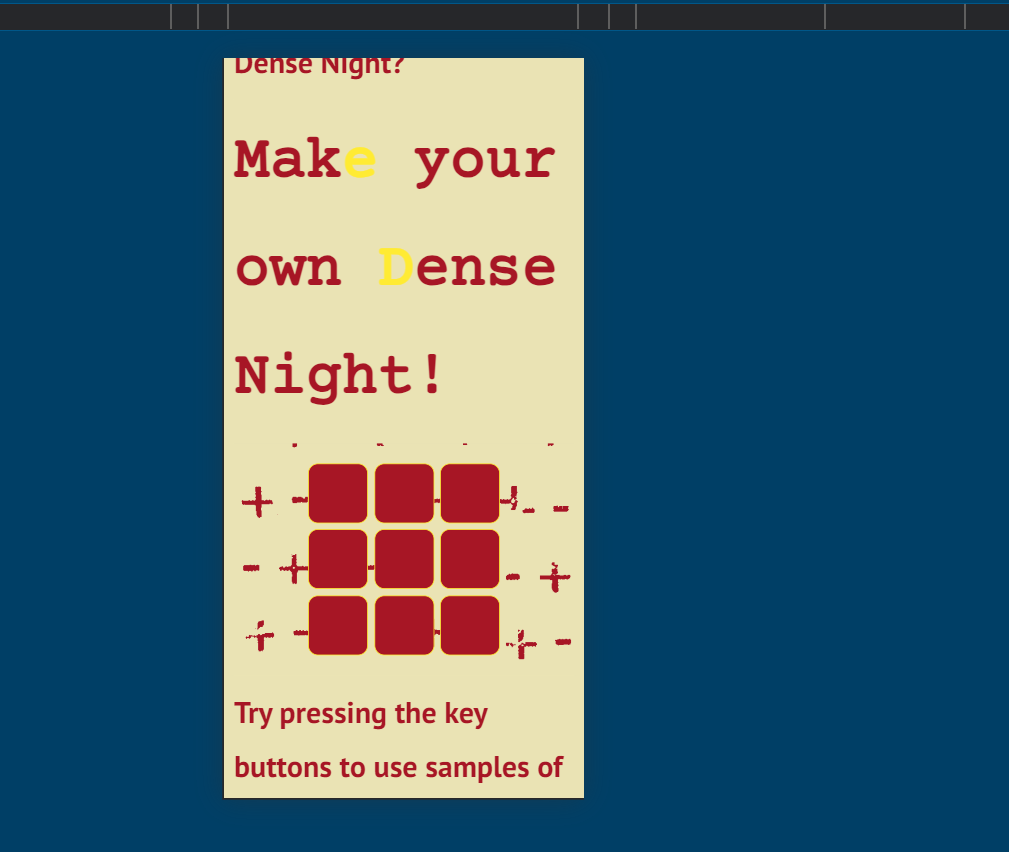
After which, the team went on to create the website using HTML, CSS and JavaScript, by keeping track of our work using Trello and Git. The hardest part about it was creating the slicers and keyboard feature, as they both required extensive JavaScript which I integrated into the code. Also deciphering the wordpress used in the official NasmakPM website and add it to our code, especially making the animation title correct and make it animate only when first appearing on the page.
We then user tested through usability testing and a heuristic evaluation, which can be found on LO1.After which, I checked with my development teacher for feedback on improvements for the result.
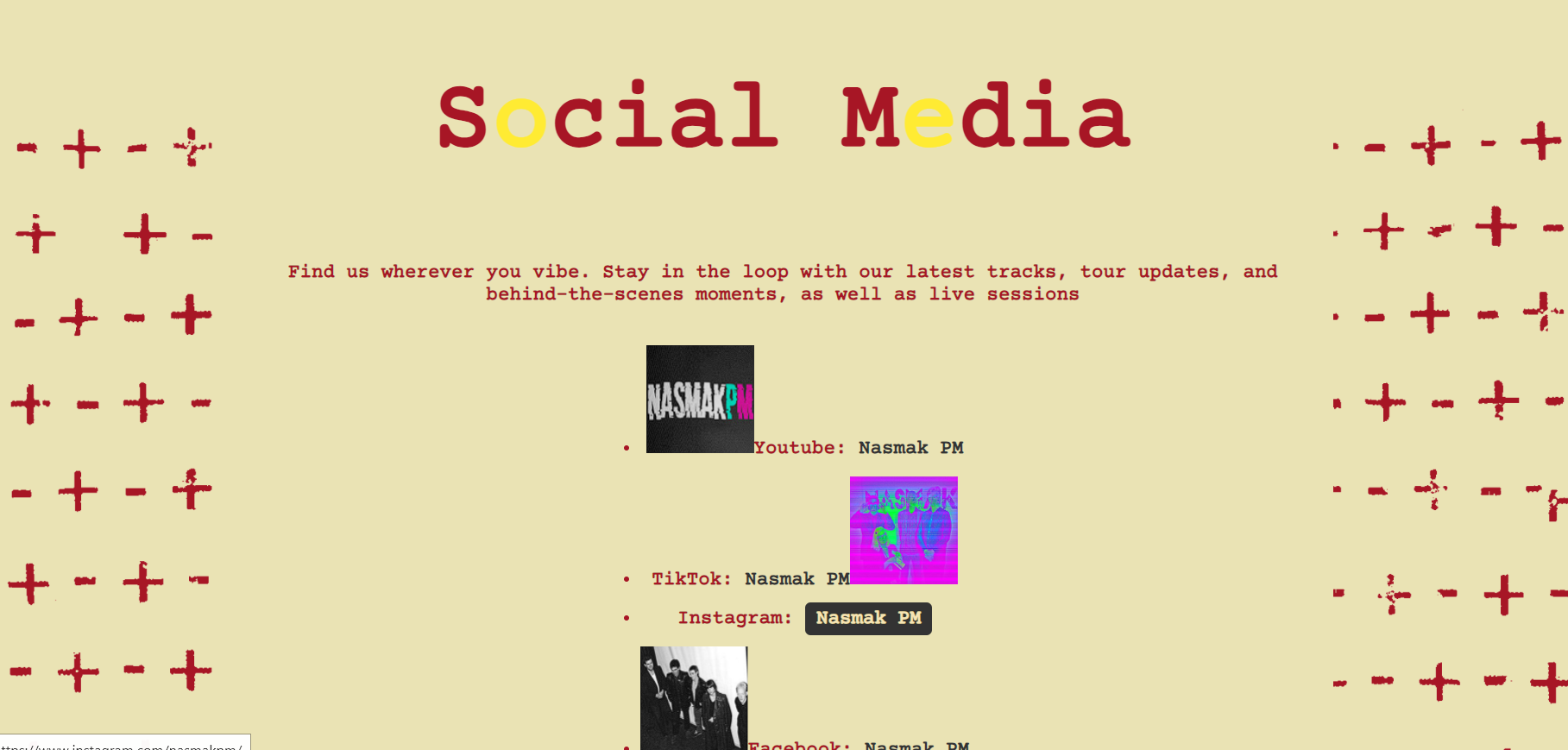
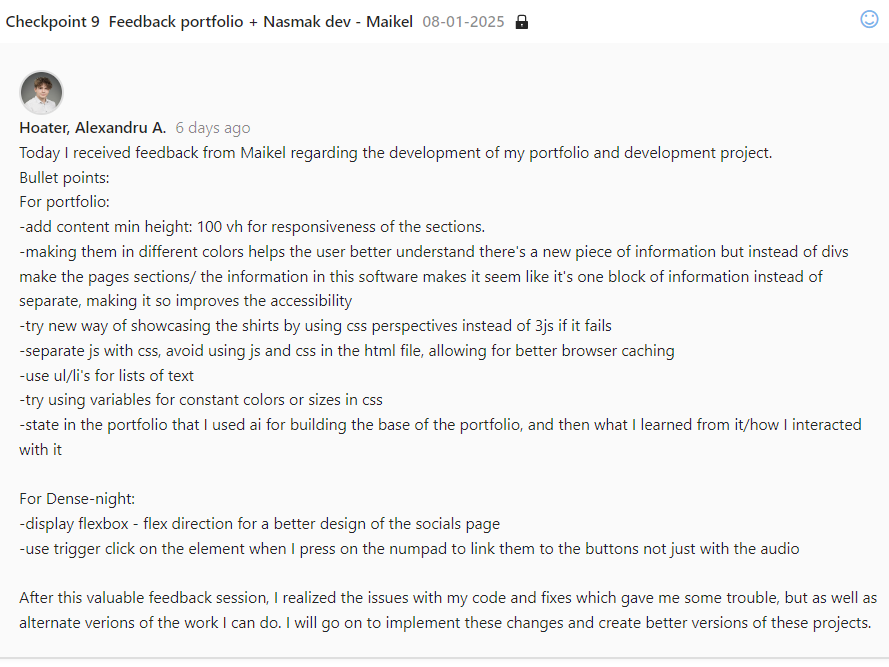
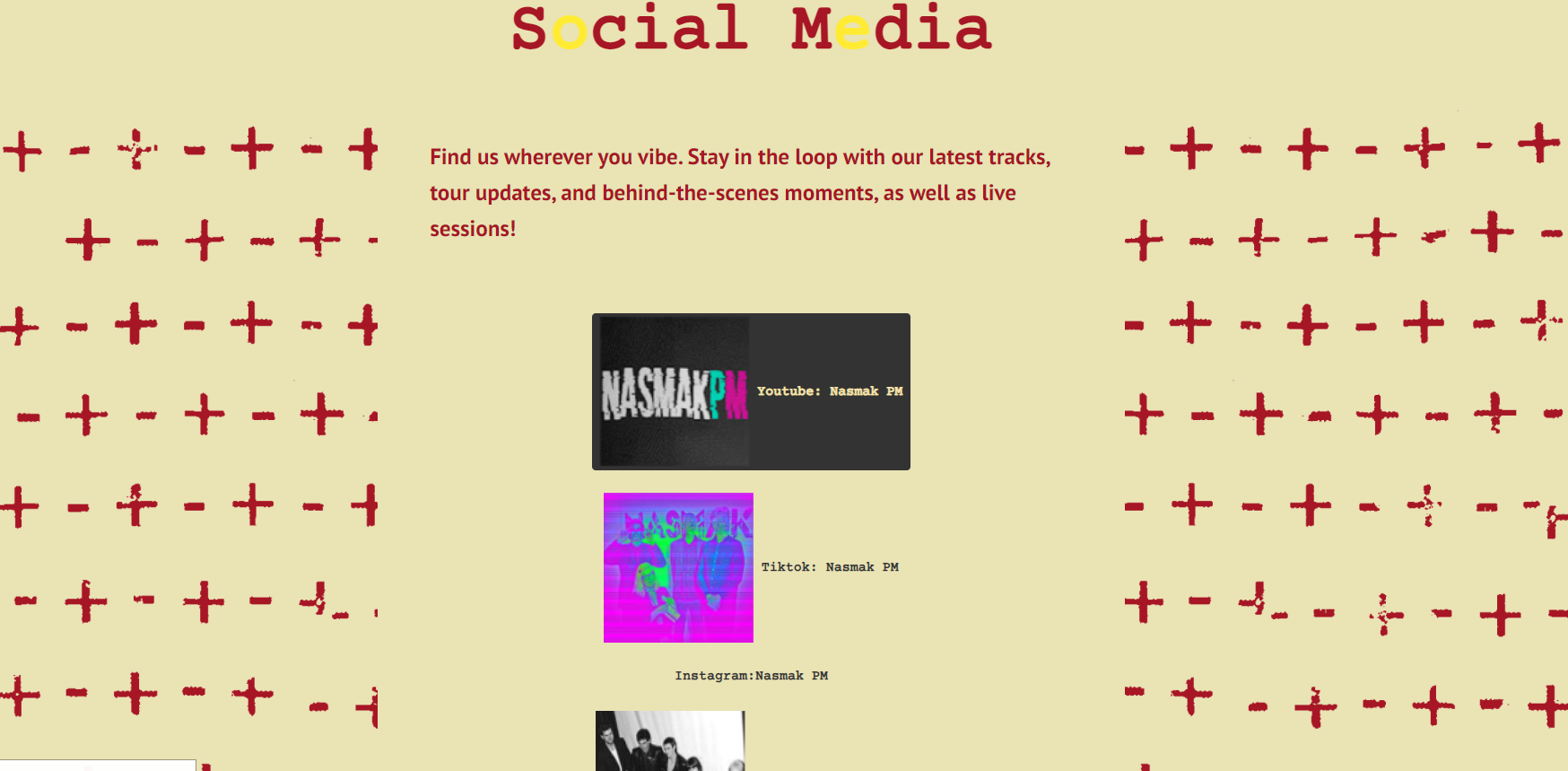
As a suggestion, display flexbox - flex direction for a better design of the socials page
-Use trigger click on the element when I press on the numpad to link them to the buttons not just with the audio
So what?
After concluding the test I fixed the website’s modals and made it so the numpad when pressed, triggers the key buttons. I went on to make it responsive and create a bigger layout for the social media section and implemented the feedback.
Reflection
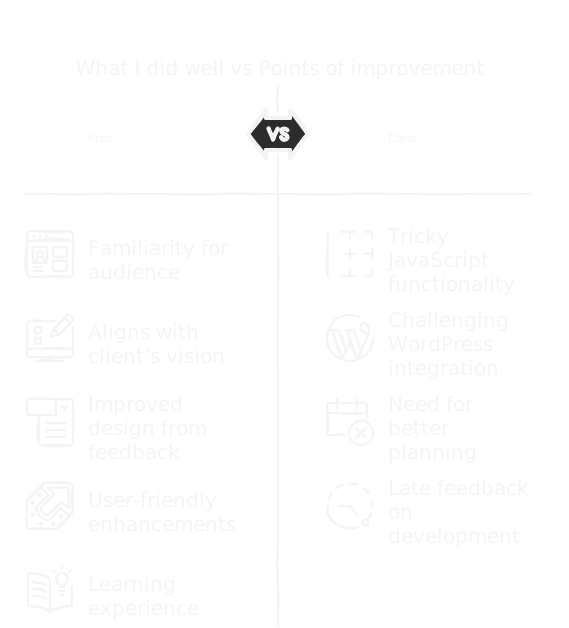
Integrating the project into their existing website was a good choice, as it kept things familiar for their audience while staying true to the client’s vision. Figuring out the JavaScript functionality and working with WordPress was tricky, and I realized I needed to plan better for those challenges. The feedback we got, especially about the social media section and the soundboard, helped us improve the design and make it more user-friendly. Looking back, I wish we had spent more time perfecting the animations and ironing out the bugs earlier, as well as ask for development feedback earlier in the process. Overall, it was a great learning experience in balancing creativity with practicality.
L.O.2
Third Example
Goal:
Create website of portfolio
Why: What knowledge will I gain from creating an interactive animated portfolio website?
How?
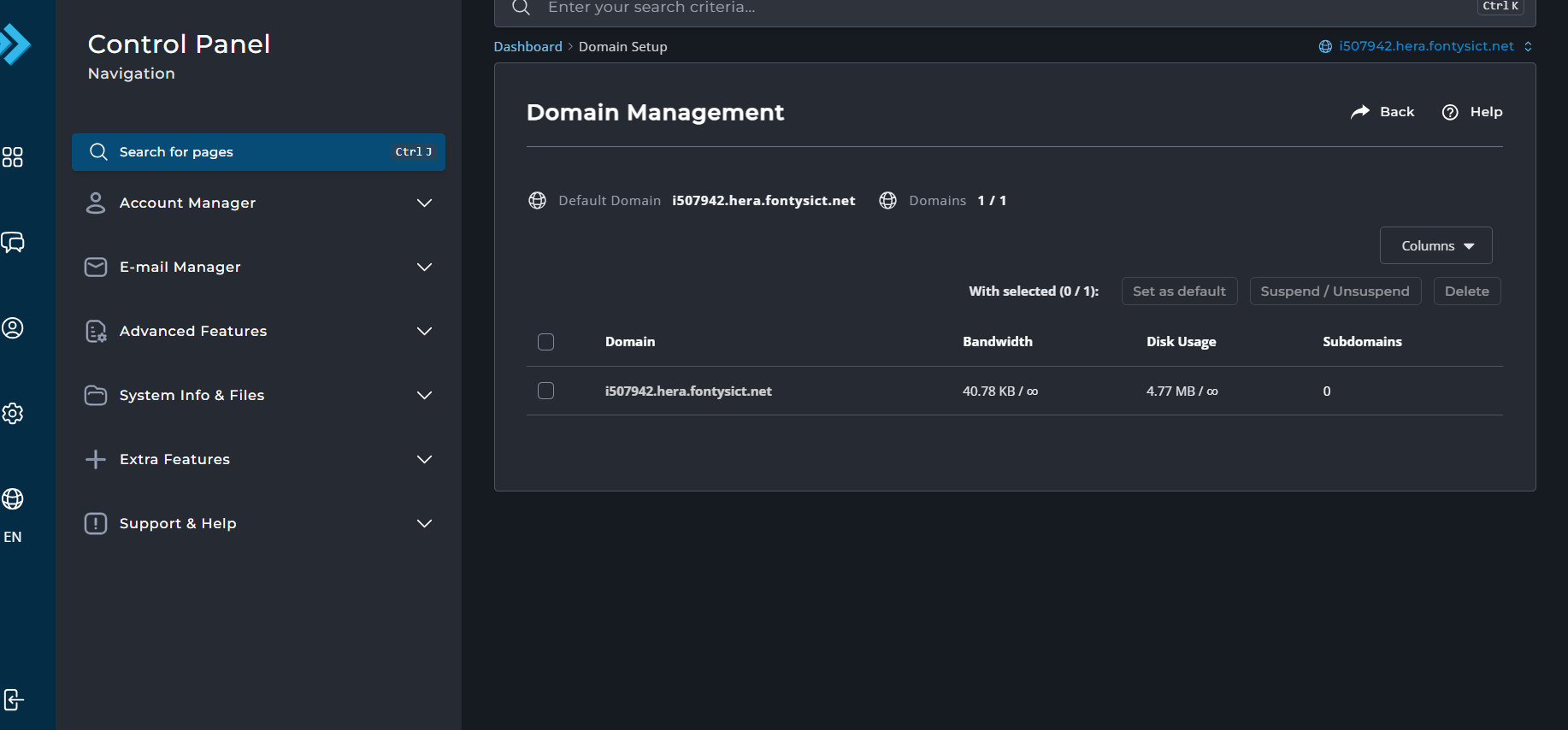
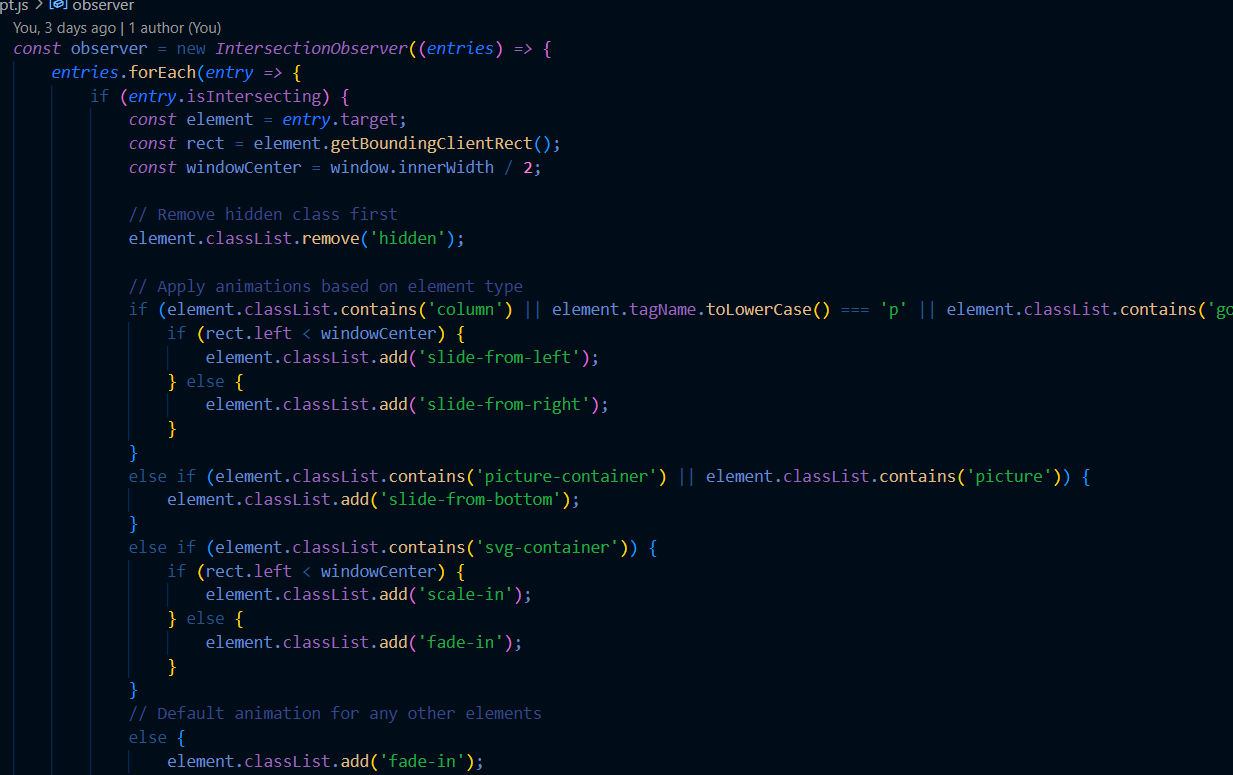
I started the development of the website with basic elements of html and css, after which I had to stop the development for a while because of personal issues. After a while, I was clumsier with my coding, therefore I went back to studying and recreating code from W3Schools to create my portfolio. I started by implementing the navigation and keeping it user-friendly. I split the LO’s screen’s in-between white and black background for better readability and structure, I wanted to implement moving animations for text and images as well as modal images, while also making it responsive. To animate the text and pictures to appear when first viewing them on the page and the modal images I used JavaScript and CSS. To put it up I used the Hera server.
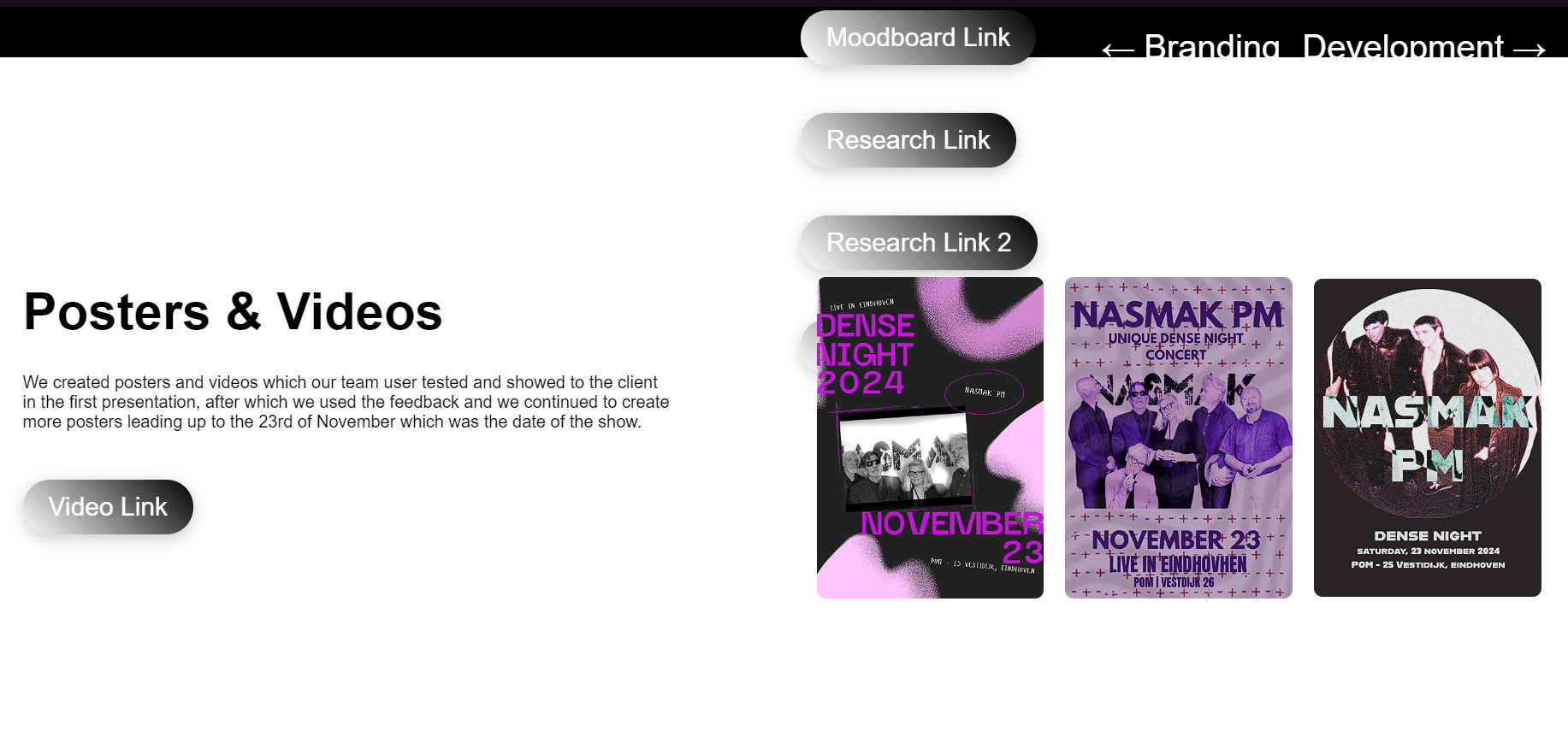
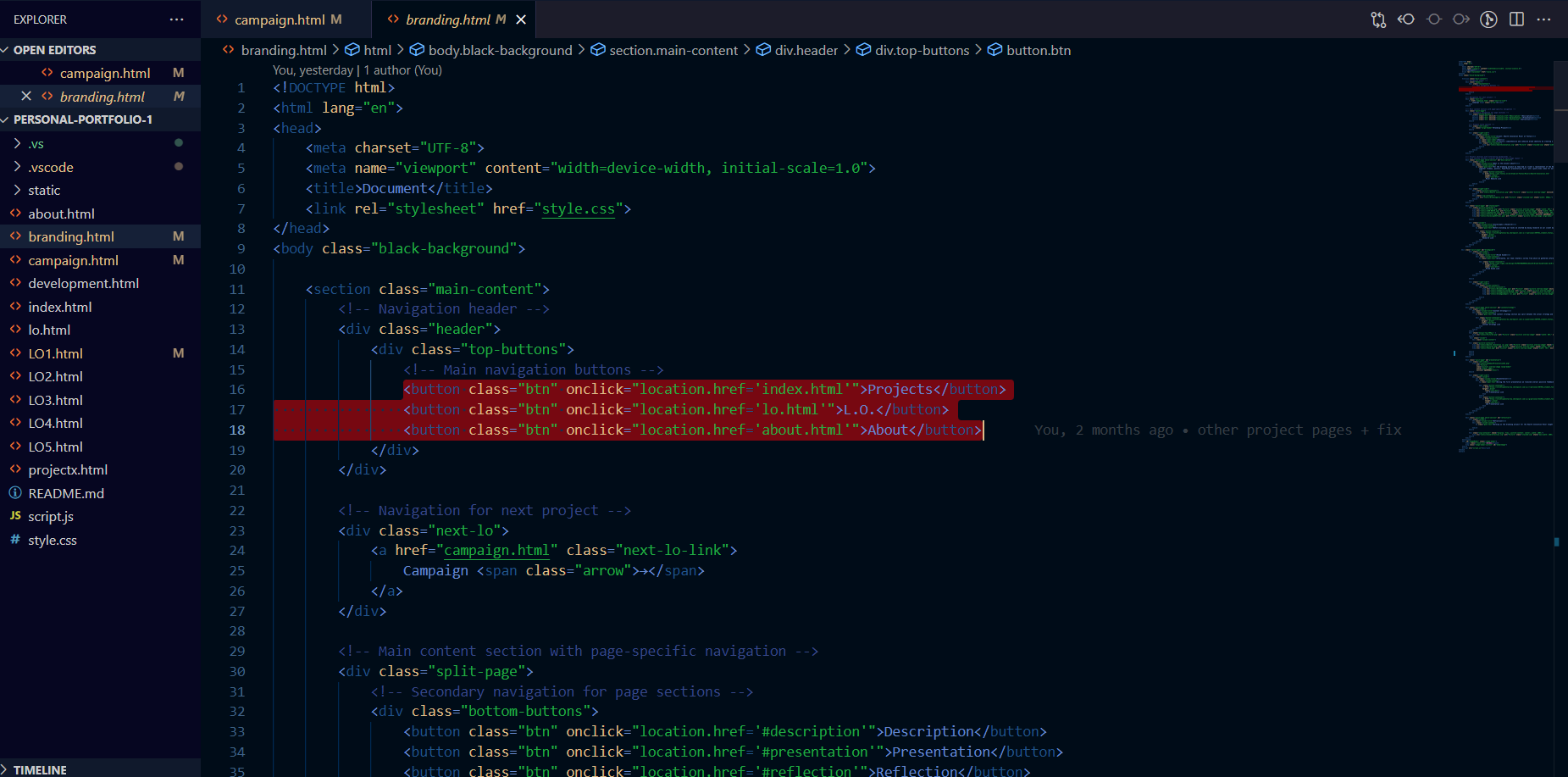
I started with basic HTML and CSS elements to build a solid structure for the website.
After a break, revisiting W3Schools helped me regain proficiency and confidence in coding, as well as using tools such as cursor AI to reduce tasks and increase speed efficiency. Of course, the AI has problems in determining the exact problems of the code, thus resulting in hours of trying to decipher its modifications on the code and how they affected mine.
This way I familiarized myself even more with syntax terms and convinced myself I can only use it for speed efficiency and understanding of code.
I designed a user-friendly navigation system and splitting screens for better readability aimed to improve the user experience.
Implementing animations and modal images added interactivity, while responsiveness ensured the portfolio worked well across devices. Using JavaScript for text animations demonstrated my ability to create engaging and dynamic web elements.
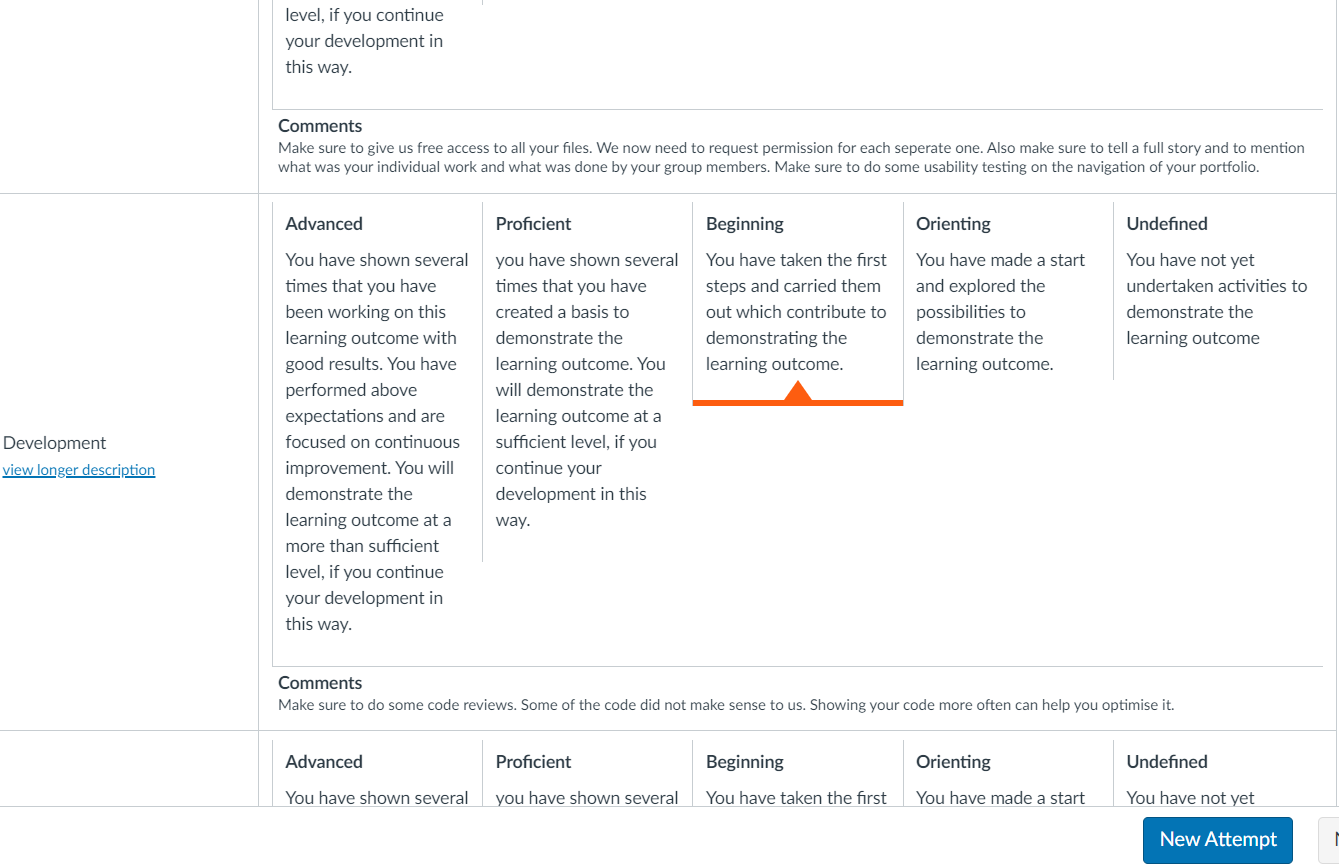
However, a lack of development feedback was clear in the code and my assessors suggested I get feedback on it.
- User test the portfolio
- Get more development feedback
- Make sure to give free access to all my files.
- Some of the code did not make sense to them, such as the onclick.location=href for linking the pages together, when instead I could have used a regular href call with a button class.
- Such code was AI generated and didn’t seem to pose an issue since it worked fine, however I later found out It's not recommended to inline your JavaScript for browser caching.
So what?
I proceeded to user test the prototype after initial feedback from the assessment meeting with my teachers, more information about it can be found at L.O.1, and then I proceeded to ask my development teacher for feedback.
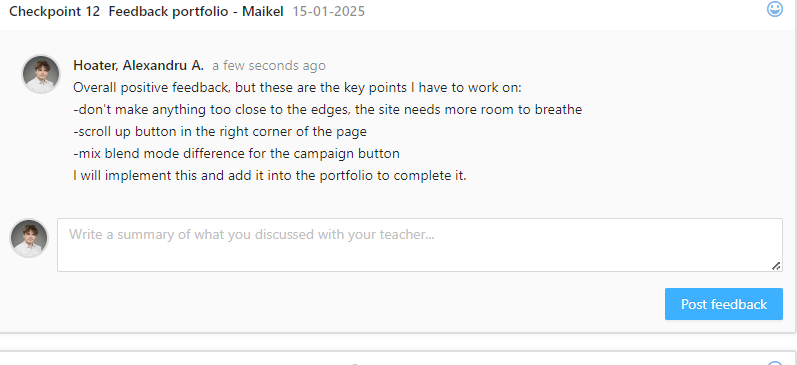
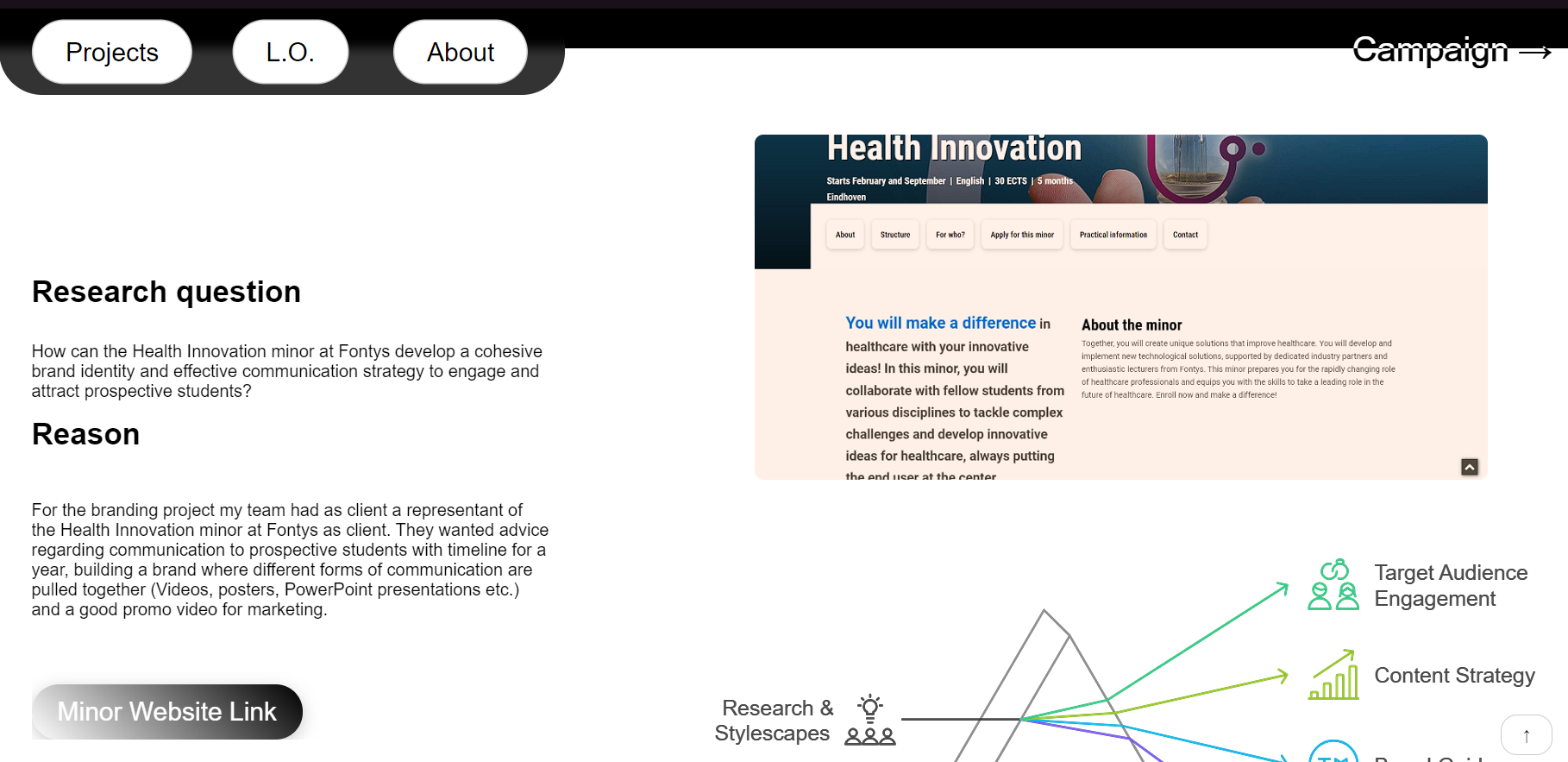
After I implemented this feedback, I went on to finalize the portfolio, adding the information from documents and themselves into the prototype. On the submission day, I received one final feedback from my development teacher, pointing out the rest of what I should add to the portfolio, but overall, the feedback was positive.
Overall, I learned the importance of user testing and getting feedback early on, as well as the importance of structuring the code for readability and maintainability, alongside new technical skills in HTML, CSS and JavaScript.
Reflection
Building my portfolio website taught me the importance of balancing functionality, user experience, and clean coding practices. Initially, my reliance on AI tools for efficiency caused me to overlook best practices, such as avoiding inline JavaScript, which became evident after feedback. I also underestimated the value of regular user testing and seeking development feedback early on, which would have saved time and improved the design sooner. Implementing features like text animations and responsiveness helped me develop new technical skills, but I learned to prioritize readability and spacing for a more polished design. This project highlighted the need for continuous improvement and how small tweaks—like adding a scroll-up button or better spacing—can elevate a website's usability and aesthetic. However, time struggles have definitely impacted it negatively, therefore with my next portfolio I will prioritize finishing it in time.
L.O.2
FourthExample
Goal:
Complete development challenges of our Teacher
Why: How can I improve my development skills by completing challenges?
How?
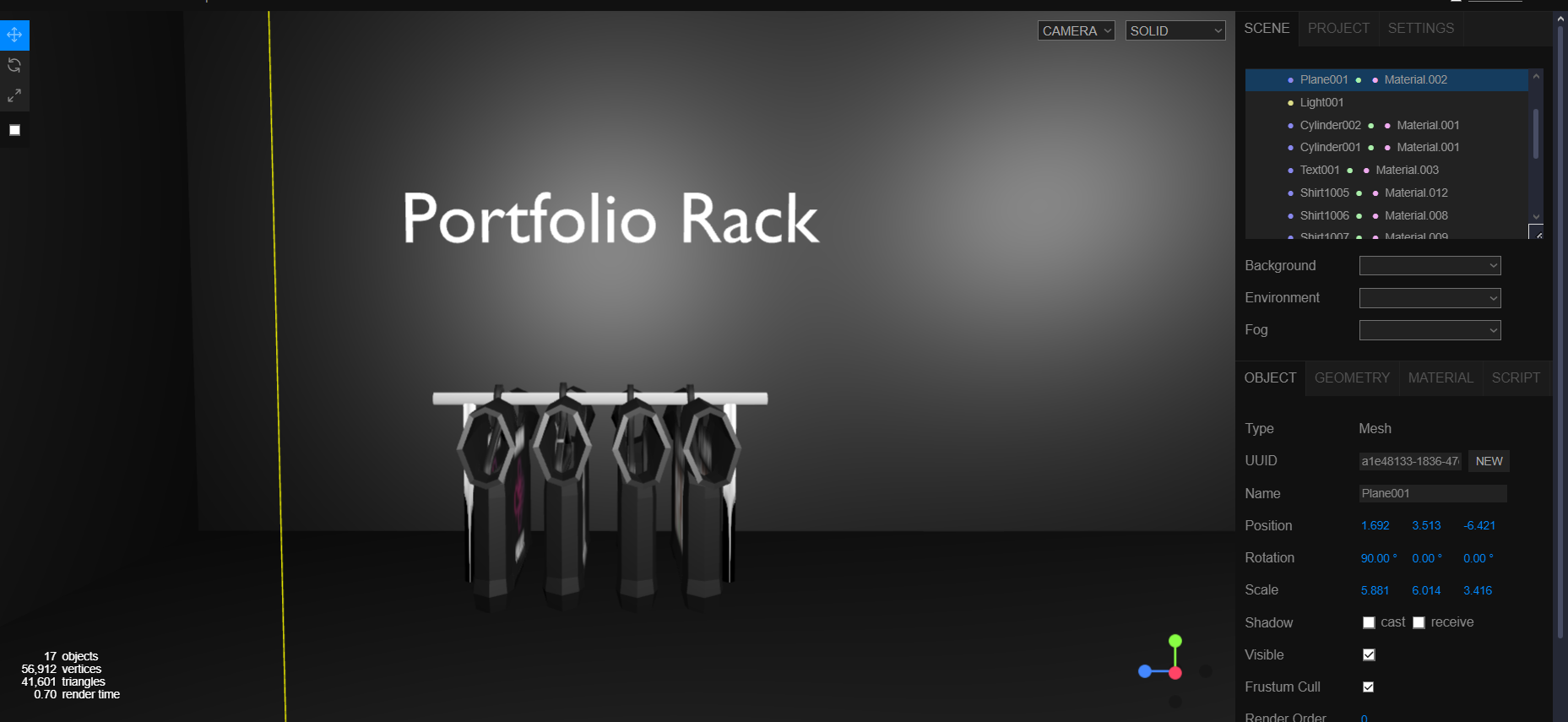
I went on to create two challenges which seemed vital to my portfolio, the first one, which comprised of creating a second counter, and the 7th one, which was creating a 3d model of choice and making it interactable. I chose to do my portfolio homepage, as it best fits my vision and work.
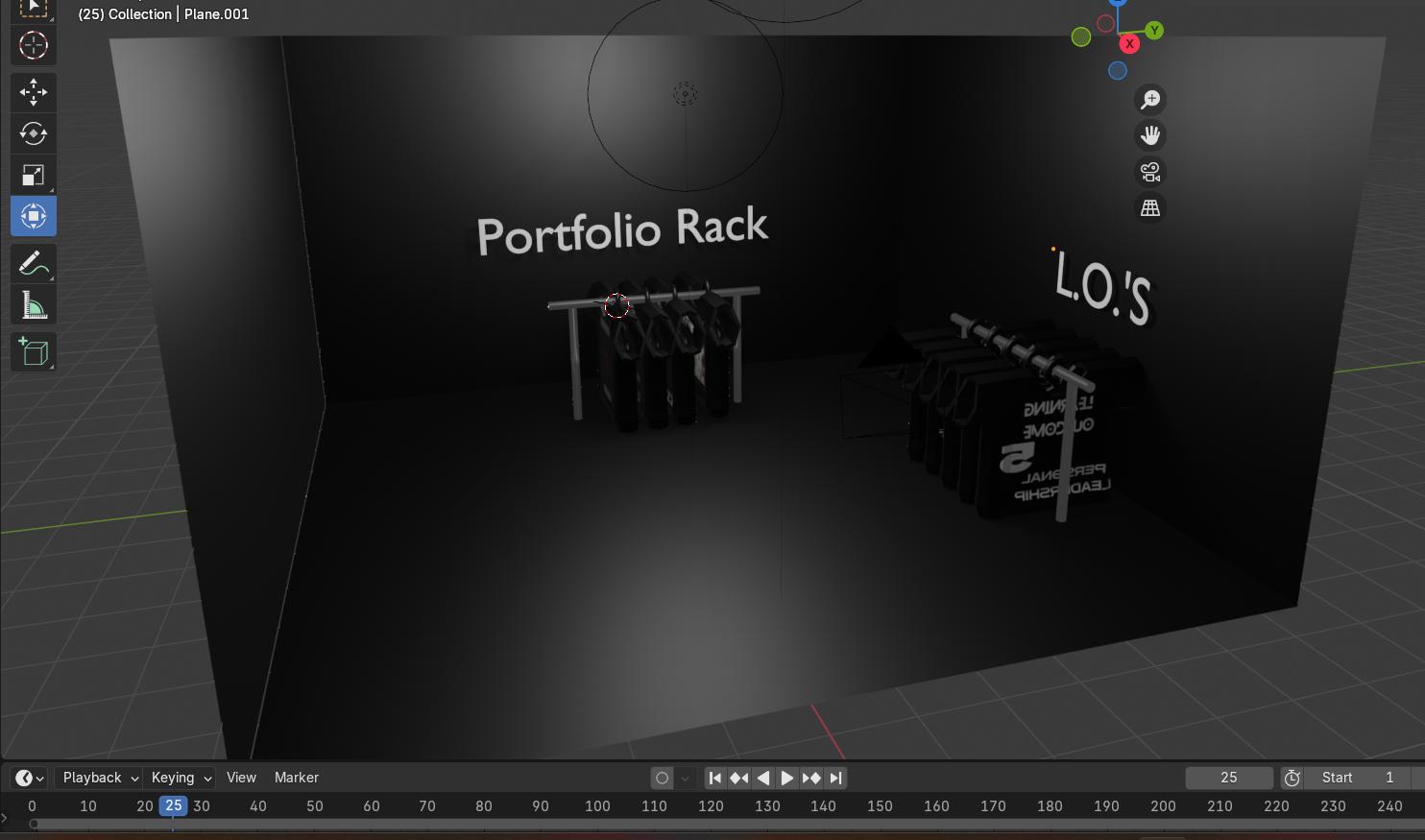
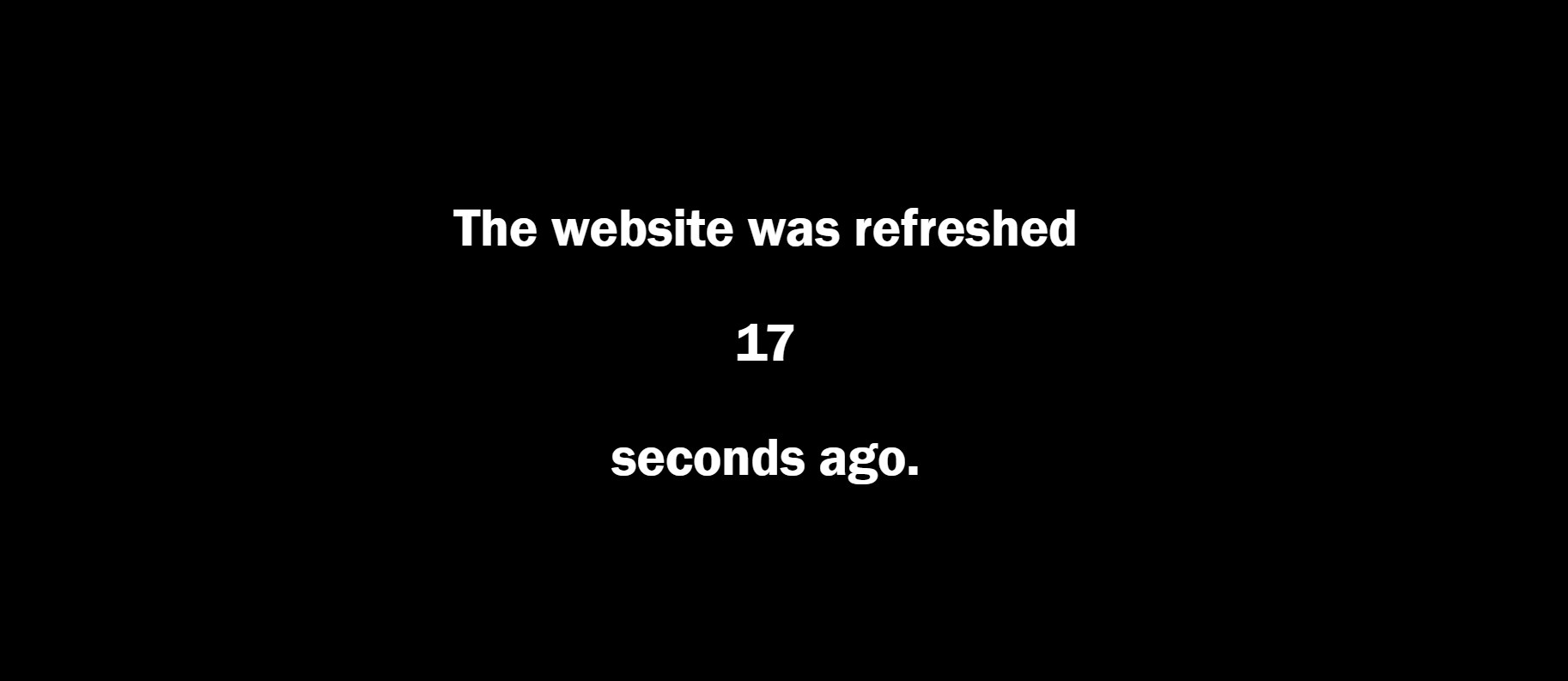
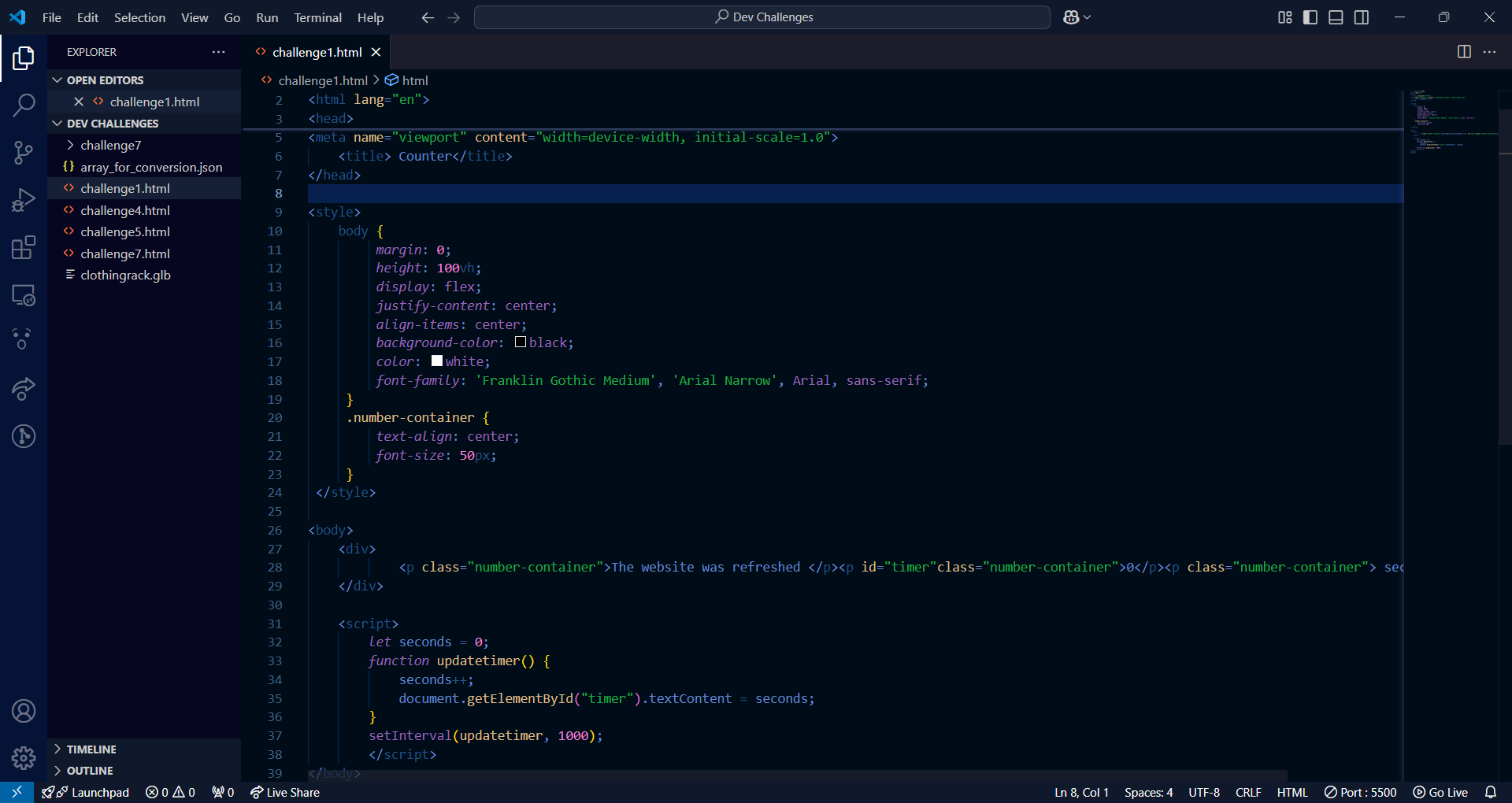
I started working on the first development challenge as a way to familiarize myself with HTML, CSS, and JavaScript, having to create a counter which counts from the beginning of the refresh of the website. The links in the presentation helped me achieve this first challenge.
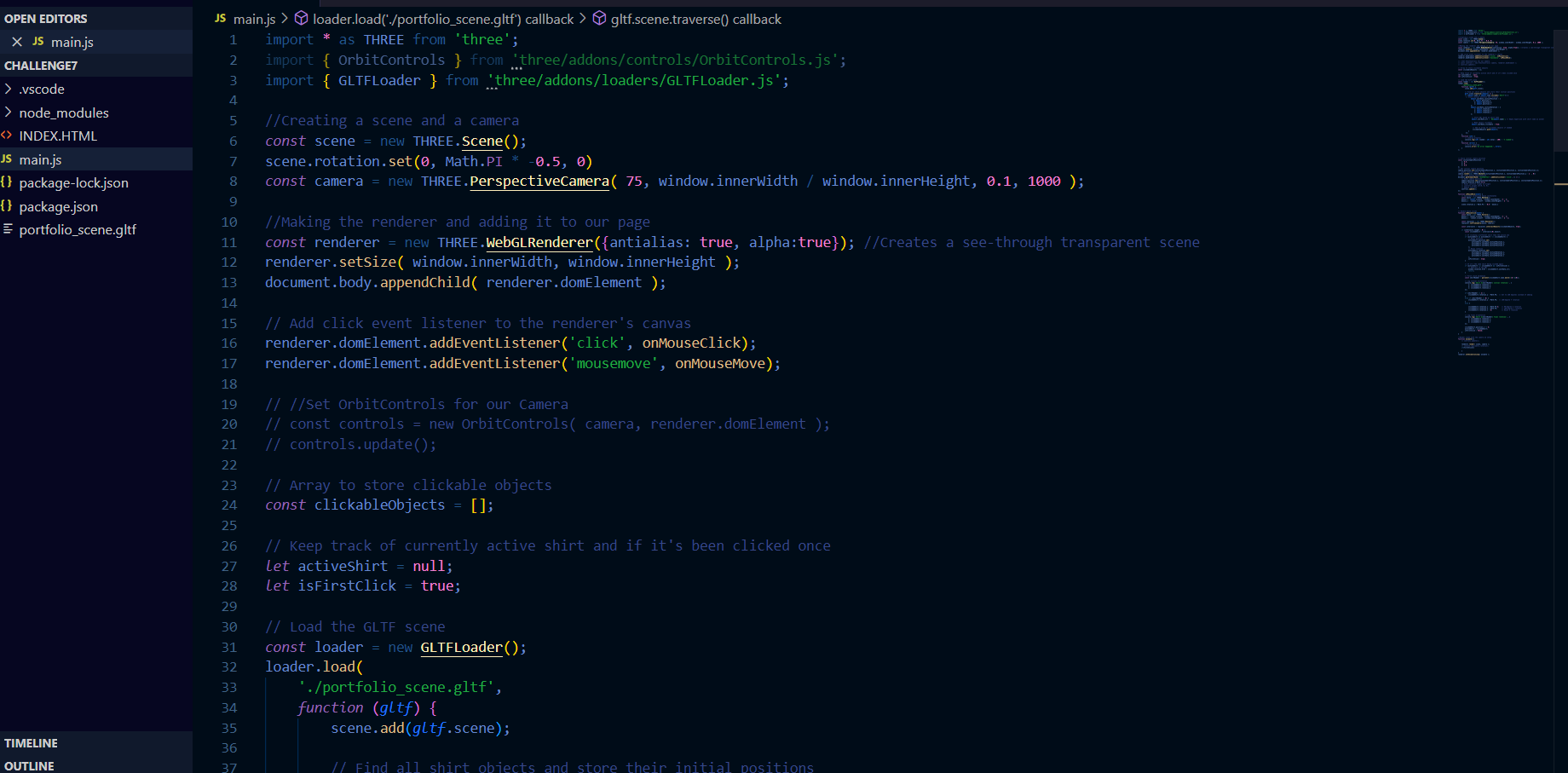
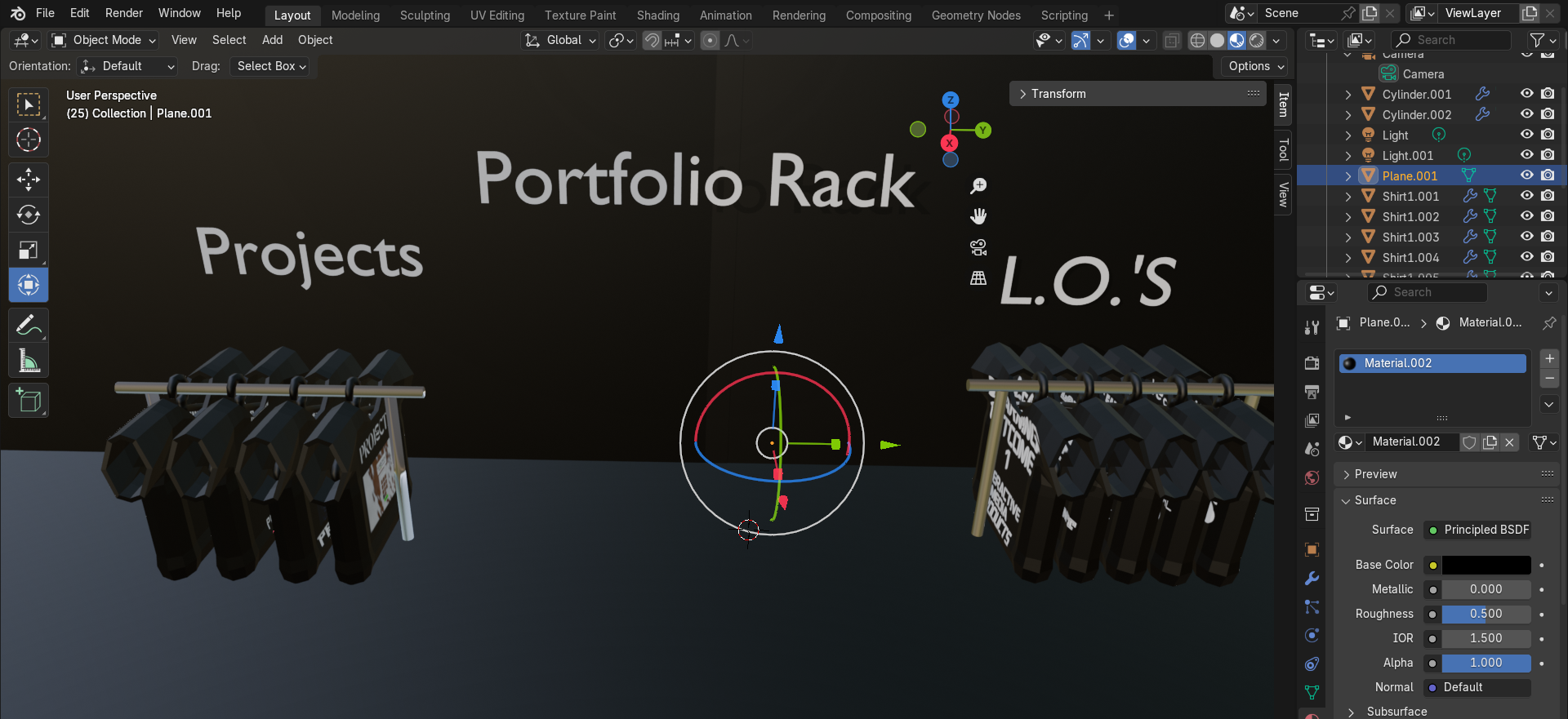
During the 7th bootcamp, we learned basic elements of camera movement in ThreeJS as well as importing it onto Visual Studio Code using Node.js. To create the portfolio scene I wanted, I went on to blender to fully finish it, exported it in a glb file keeping the lights, went into threejs website editor to fully adjust it and modify the light volume, after which I exported it as a gltf file to the desktop.
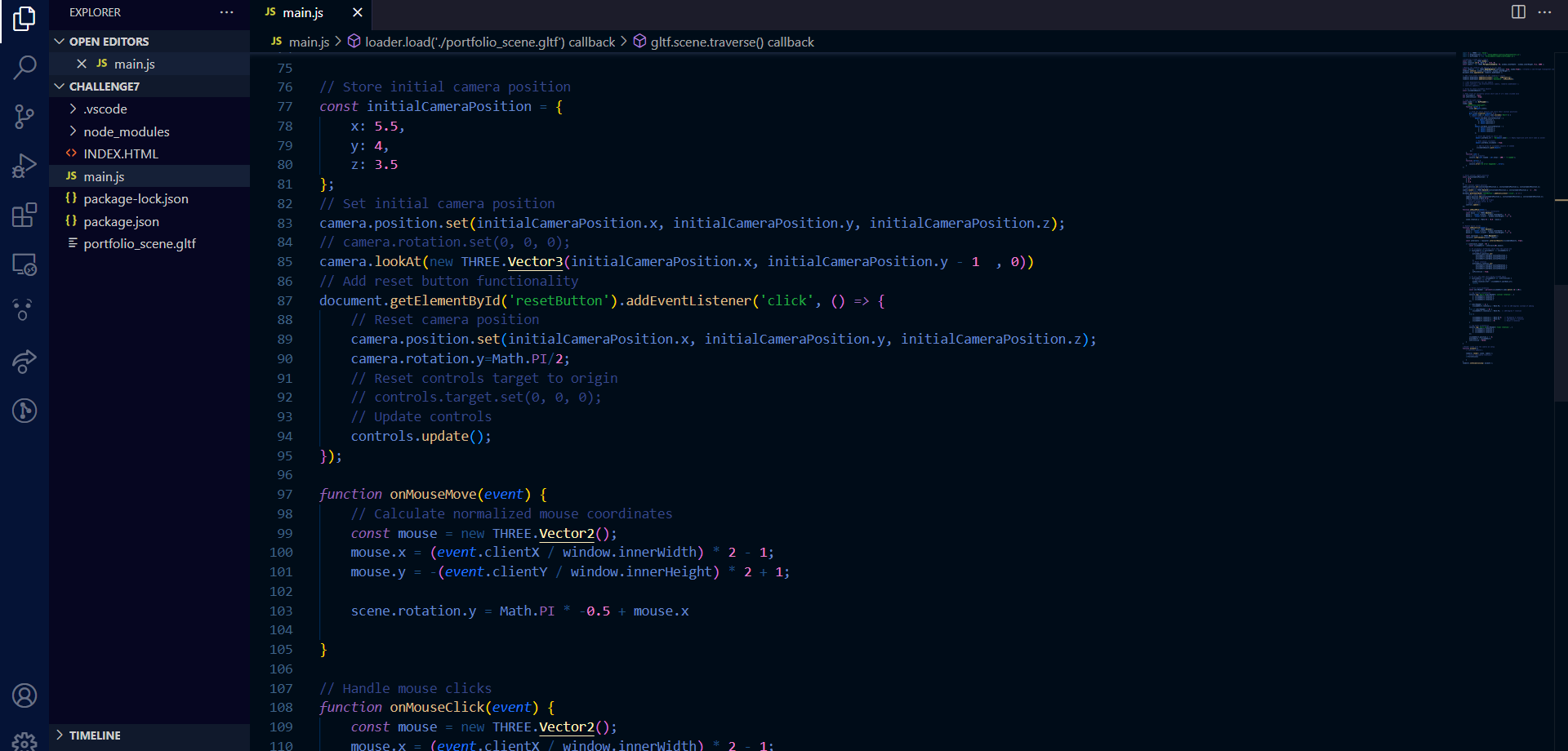
To get more accustomed with threejs in this project, I used this Youtube Tutorial as well as cursor.ai to help with faster syntax problems and definitions I wasn’t aware of.
I imported it onto the file with the challenge, after which I tried moving around the scene using the orbital camera and raytraced the objects so they are clickable.
The objects rotations were not working as intended, therefore my semester coach helped me not only find the best fixed position of the camera, but also recommended me to recreate the scene in blender so that I can add the functionality of the objects that work. He also gave me a new way of showcasing the projects and learning outcomes, which not only simplified tasks required but also created a better visual aspect. I went on to implement the feedback.
Reflection
While the foundations of my technical skills were laid with the first challenge, working on the development challenges significantly improved my technical skills, particularly with Three.js. While I initially faced issues with object rotations and camera positioning, the feedback from my semester coach helped me resolve these problems and improve the overall functionality and presentation. Recreating the scene in Blender not only enhanced the interactivity but also taught me the importance of refining workflows to align with project goals. In hindsight, I should have sought feedback earlier to avoid delays caused by technical issues.